Word Arrow Escape

Every arrow is a hidden category.
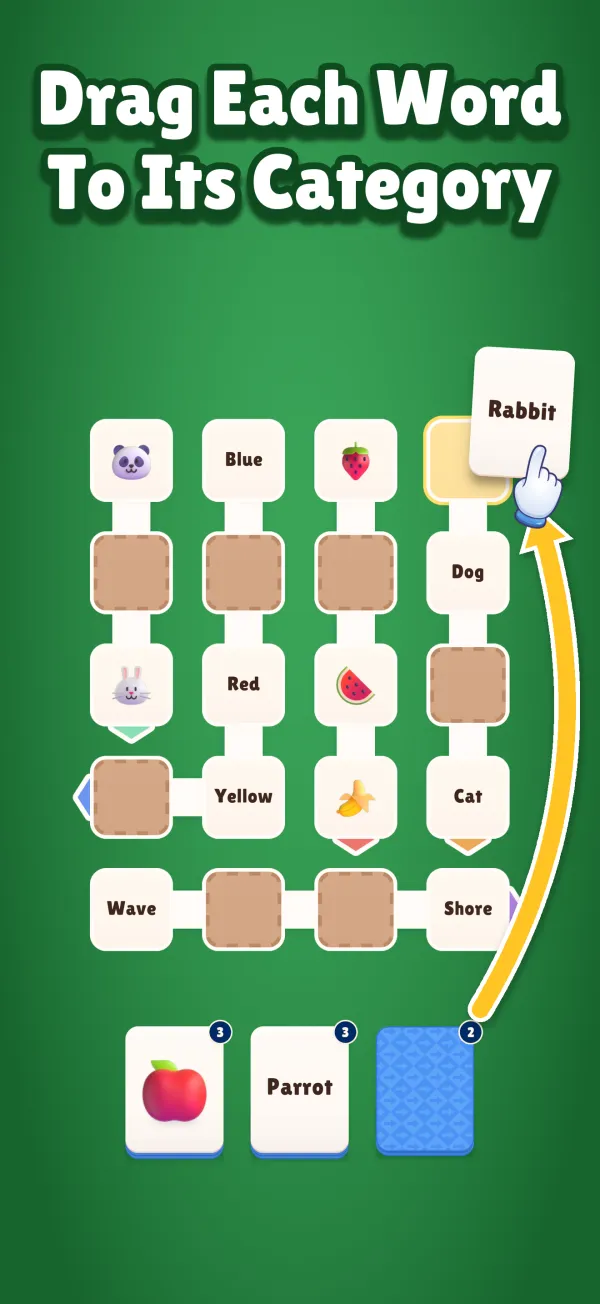
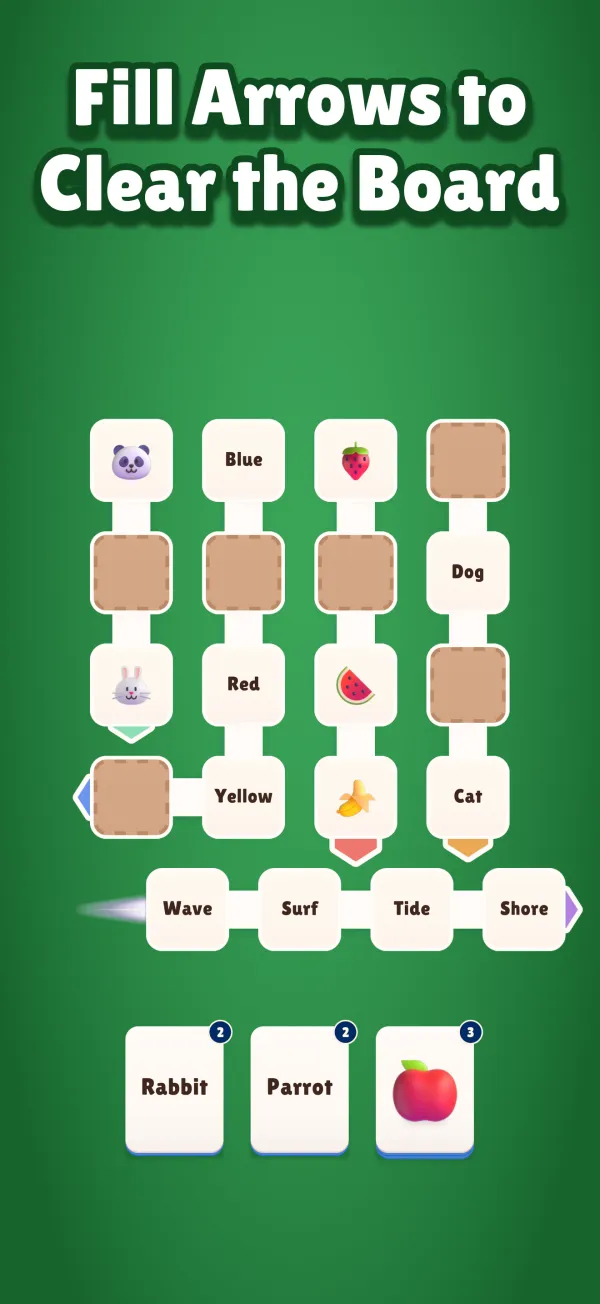
Drag each word onto the arrow it belongs with. Fill it, and it slides off the board. Just make sure its path is clear first!
Free to play · ads and optional in-app purchases · ages 13+
How to play
-
1
Find the category
Most arrows show a clue: a word or an emoji. Lion? That arrow wants animals.
-
2
Drag the words in
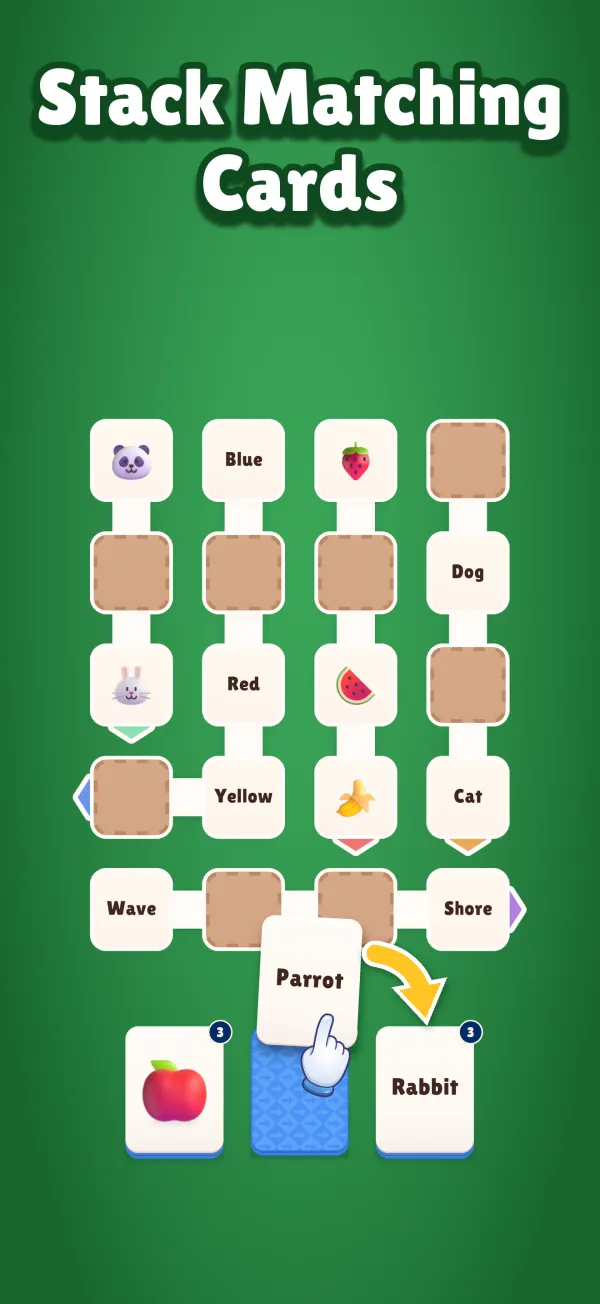
Drag the top card of a pile onto its arrow. A card that doesn’t belong simply won’t go in.
-
3
Mind the path
A full arrow slides off the way it points, but only if nothing is in the way. The order you fill them is the real puzzle.
Why you’ll keep playing
-

Hundreds of levels
From quick warm-ups to real brain teasers, with new levels arriving over time.
-
Boosters for tight spots
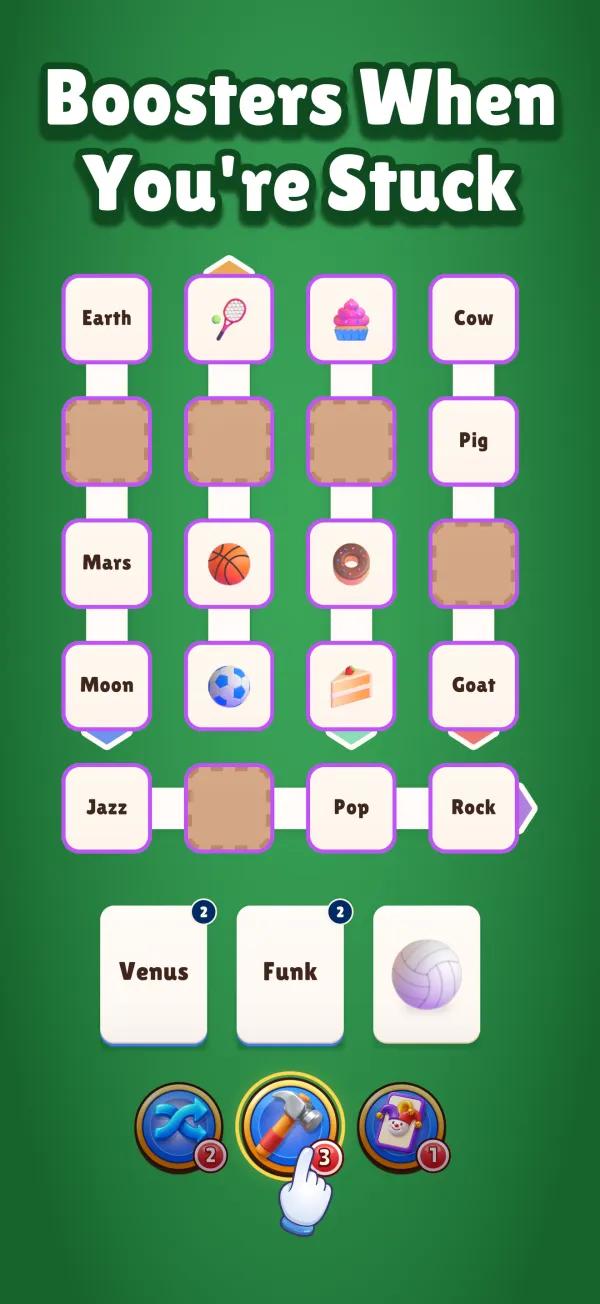
Shuffle the piles, smash the arrow in the way, or play a Joker into any category.
-

No energy timers
Failed a level? Try again straight away. No waiting, no lives to buy back.
-
A free spin every day
Spin the daily bonus wheel for coins and boosters.
-
Play in 8 languages
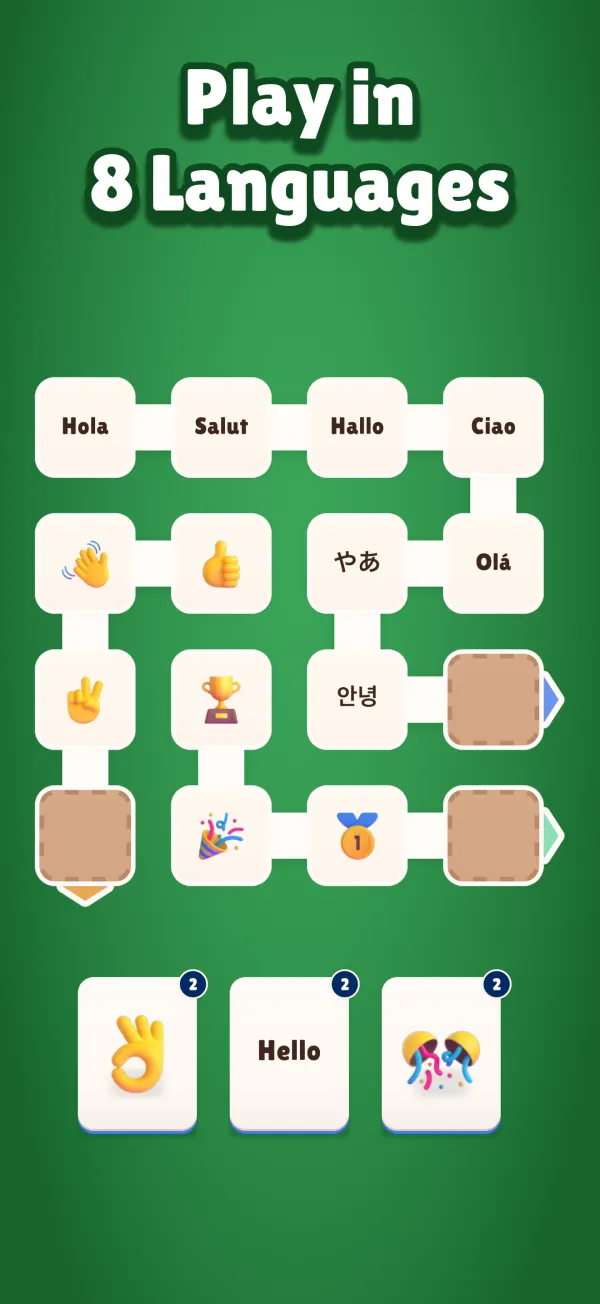
English, Spanish, German, French, Italian, Portuguese, Japanese and Korean. Every word is translated, not just the menus.
-
Words and pictures
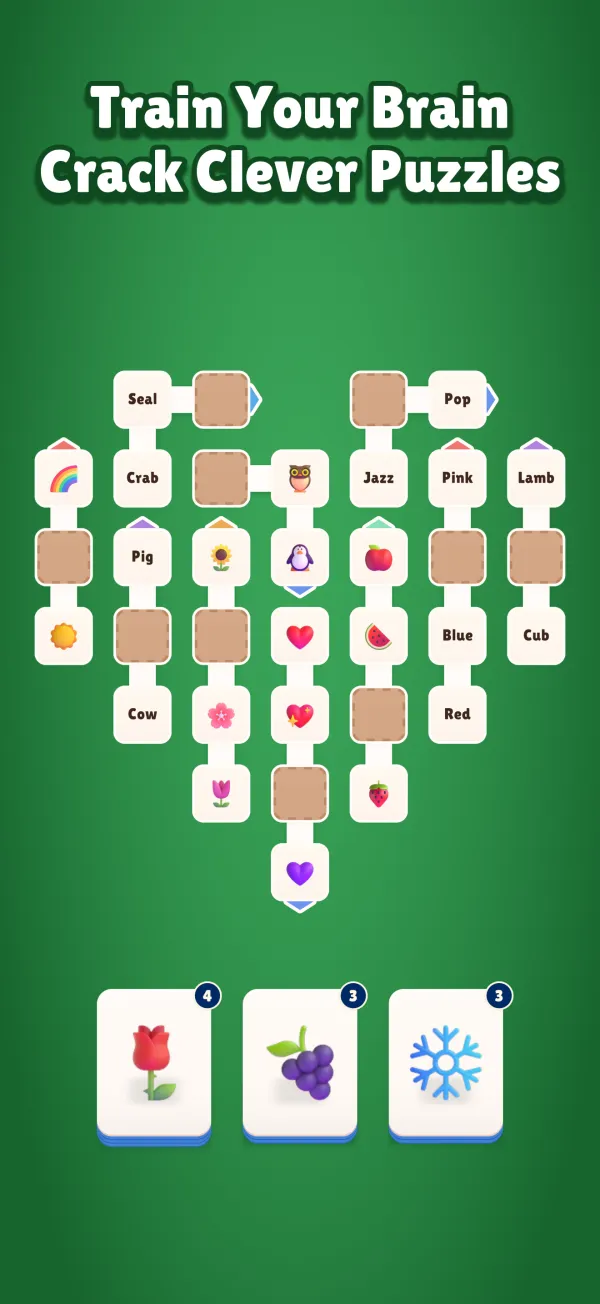
Some levels deal emoji instead of words. Same categories, a fresh way to read the board.



See it in play
Questions
Is Word Arrow Escape free?
Yes, it’s free to play. It shows ads between some levels, and has optional in-app purchases: coins, a one-time Starter Pack, and Remove Ads.
Which languages can I play in?
English, Spanish, German, French, Italian, Portuguese, Japanese and Korean. Every word on the board is translated, not just the menus.
Does it play offline?
The first 100 levels are in the app and play offline. Later levels download in the background the first time you’re online.
Will I lose my progress if I change phones?
On iPhone and iPad your progress follows your iCloud account. On Android it comes back with your Google backup.
Who is it for?
Players aged 13 and over who like word games, category puzzles and a bit of planning.
I need help with the game
Open Settings in the game and tap Support, or visit our support page.